NOVA MFA
This page is part of the Support Center guides for Advanced Users.
Multi-Factor Authentication (MFA), also known as 2FA or two factor authentication, secures logins by requiring users to enter more than just their username and password. It adds an extra step in case a user's credentials have been compromised.
For MFA-enabled users, logging in will require them to either authenticate via email or the Google Authenticator app.
This article explains how to enable and disable MFA in the main portal.
- Log in to the User Portal.
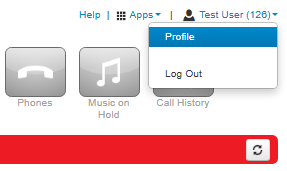
- Click on the Profile option in the user menu (top right of the screen).
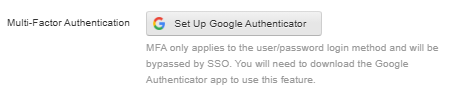
- Click Set Up Google Authenticator.
- Scan the unique 2D barcode that is generated for your user. (The QR code below will not work for your user).
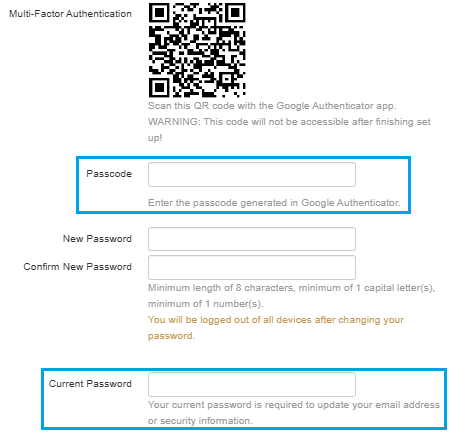
- Enter the passcode from your authenticator app into the Passcode field. (shown above in blue)
- Enter your portal password in the Current Password field. (shown above in blue)
- Once this is done, scroll down and click Save.


