NOVA MFA
- Log in to the User Portal.
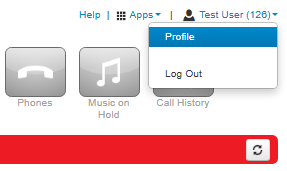
- Click on the Profile option in the user menu (top right of the screen).
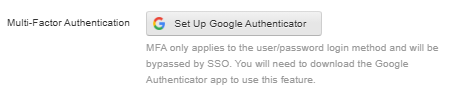
- Click Set Up Google Authenticator.
- Scan the 2D barcode
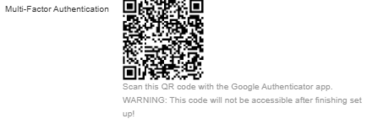
- Enter the passcode from your authenticator app into the Passcode field shown above.
- Enter your portal password in the Current Password field.
- Once this is done click on Save.


